
The Mi TV Stick running Android TV does not have any built-in DTT tuner. Therefore, receiving channels from digital terrestrial television relies exclusively on IP streams, which requires mastering the technical chain: network, DRM, codec, and application compatibility.
Widevine L1 and DRM on Mi TV Stick 4K: what conditions access to DTT streams
The Mi TV Stick 4K features a Widevine L1 certification, essential for decoding protected high-definition streams. Without this certification, replay and live applications are capped at 480p or may even refuse playback.
This hardware support for DRM allows French operator applications (Orange TV, SFR TV) to function natively. Since the upgrade to Android TV 11, these applications manage timeshift and conditional access directly on the stick, without an intermediate operator box.
We recommend checking the version of Android TV in the system settings before any installation. An outdated firmware may prevent the validation of the Widevine level and block certain streams, even with the correct application. To watch DTT on Mi TV Stick under good conditions, updating the system remains the first reflex to adopt.

Molotov on Android TV: adaptive bitrate management and stability on the move
Molotov remains the most straightforward solution to access free DTT channels on the Mi TV Stick. Recent versions of the application on Android TV include an automatic network quality detection. The stream adapts in real-time: resolution and bitrate decrease when bandwidth drops, reducing interruptions.
This feature changes the game for users in secondary residences or RVs, where the internet connection often relies on 4G/5G sharing. Older versions caused frequent interruptions on these unstable networks. The current adaptive behavior keeps the stream active, even if it temporarily drops to standard definition.
Network settings to limit micro-disconnections
The 5 GHz Wi-Fi offers better throughput at short range but does not penetrate walls well. In an RV or in a residence with thick partitions, the 2.4 GHz Wi-Fi remains more reliable for DTT streaming.
- Disable automatic switching between Wi-Fi bands in the router settings to avoid disconnections during playback
- Assign a fixed IP address to the Mi TV Stick via the router’s DHCP, which speeds up reconnection after a disconnection
- Enable Quality of Service (QoS) on the router by prioritizing video traffic on the stick’s port
These adjustments reduce latencies and packet losses that cause buffering on Molotov and other DTT streaming applications.
Operator applications versus unofficial APKs: legal framework and technical risks
The official applications of Orange TV and SFR TV, available on the Google Play Store, have added documented Android TV compatibility in their release notes. They fully leverage the Widevine L1 certification and provide access to DTT channels included in the user’s internet subscription.
In contrast, unauthorized streaming APKs pose two distinct problems. The first is legal: the official Xiaomi manual explicitly prohibits the installation of applications providing streams without broadcasting rights. The second is technical: Google regularly tightens its policies on sideloaded APKs, and a system update may disable the “Install unknown apps” option or revoke granted permissions.
Controlled sideloading for legitimate applications absent from the Play Store
Some regional or replay DTT applications do not appear on the Play Store in Android TV version. Manual installation via an APK file remains possible, provided it is enabled in the security settings.
- Download the APK only from the official publisher’s site or a verified repository
- Use a file management application like File Commander, directly available on the Play Store
- Re-enable the “Install unknown apps” restriction immediately after installation to maintain profile security
- Ensure that the APK is designed for Android TV (Leanback interface) and not for smartphones, to avoid incompatibility with the remote control
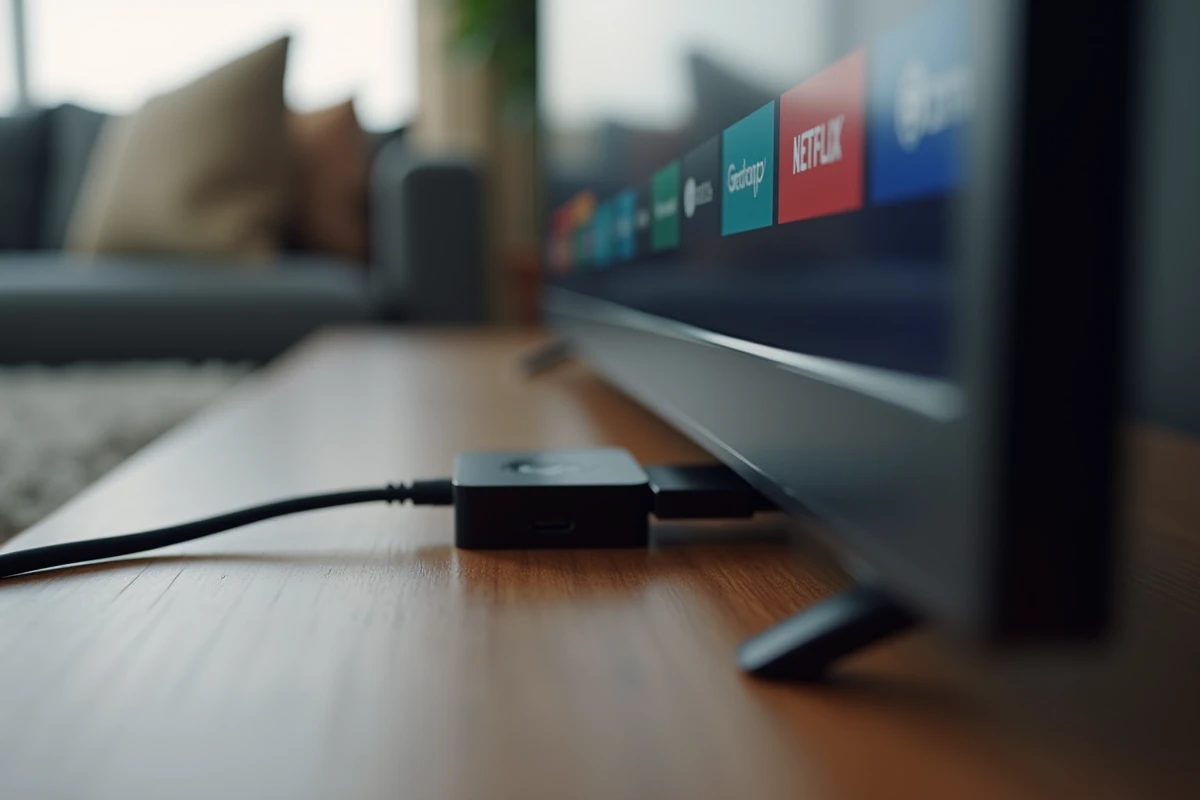
Kodi and legal IPTV: setting up an alternative DTT access on Mi TV Stick
Kodi works natively on Android TV and is a solid alternative for centralizing DTT streams in a single interface. The PVR IPTV Simple Client add-on allows importing an M3U list containing the streams of available clear DTT channels.
Configuration requires entering the URL of a legal M3U playlist. Several providers offer updated lists of French DTT channels broadcast in clear over the internet. Kodi then manages decoding, EPG (electronic program guide), and category navigation.
Hardware limitations of the standard Mi TV Stick
The first-generation Mi TV Stick, with its less powerful processor and more limited memory, struggles to run Kodi smoothly when a large EPG is added. The Mi TV Stick 4K handles this load without noticeable slowdown. We observe that the 4K version remains the logical choice for regular Kodi use with a program guide.
The stick’s limited internal memory also imposes not accumulating applications. Three or four streaming applications are sufficient to cover DTT, replay, and VOD without saturating storage.
Access to DTT on the Mi TV Stick relies on network quality and the choice of Android TV compatible applications. Official solutions (Molotov, operator applications) cover most needs. Kodi offers additional flexibility for users comfortable with manual configuration. In any case, keeping the firmware updated and securing installation settings remains the foundation for stable usage.