
Your Electrolux induction hob displays the letter “L” or a padlock symbol, and no buttons respond. This blockage corresponds to the safety lock, a feature present on almost all Electrolux cooktops. The good news: in most cases, a few simple actions are enough to restore normal operation without calling a technician.
Touch sensors blocked by moisture: a malfunction that isn’t one
Before looking for a button combination, check the state of the control panel. On Electrolux hobs with touch controls, drops of water or grease on the panel are enough to block the sensors. The hob interprets these residues as a continuous press and disables the buttons for safety.
The panel then starts to blink or remains completely inactive. No matter how much you press everywhere, nothing happens. This is not a software lock; it’s a physical issue.
To remedy this, there is a reliable method to easily unlock an Electrolux induction hob in this specific situation:
- Turn off the hob and unplug it (or turn off the dedicated circuit breaker) for a few minutes
- Clean the entire surface of the panel with a dry, clean cloth, without any wet product
- Plug it back in, then turn on the hob by pressing the power button
If the panel was “flooded” by an overflowing pot, this simple cleaning resolves the issue in most cases.
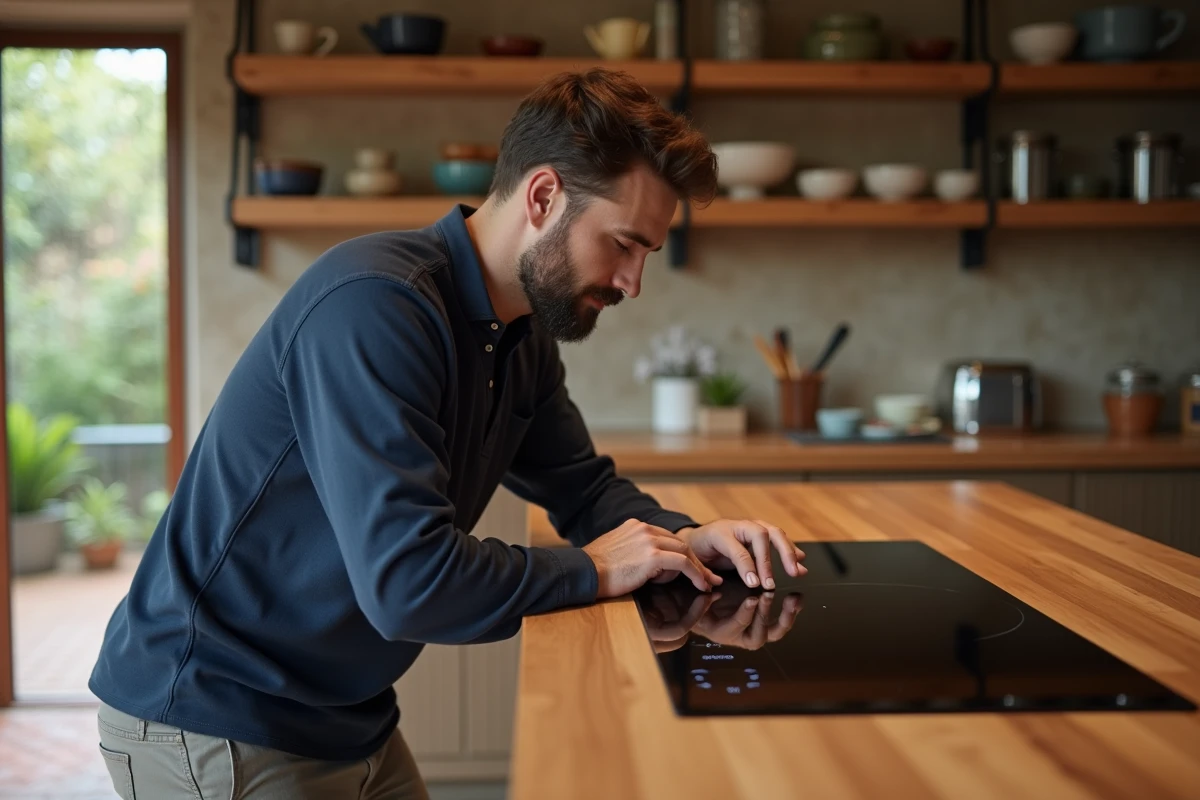
Lock button on Electrolux induction hob: the standard procedure
You have checked that the panel is clean and dry, but the “L” symbol or the padlock persists? The software lock is then activated. Here’s how to disable it.
On models with a visible padlock symbol
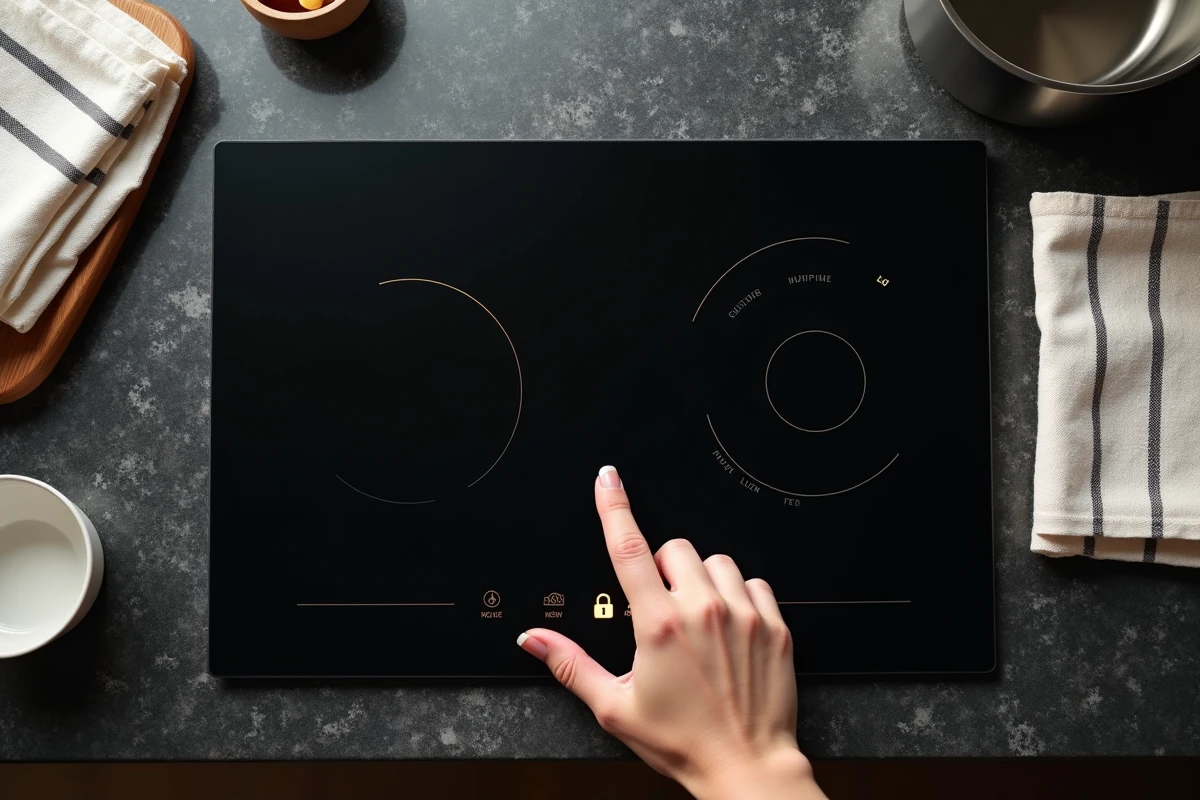
Locate the button marked with a padlock on the control panel. Press and hold this button for about three seconds. A beep confirms the deactivation, and the “L” symbol disappears from the display.
On some models, you must first turn the hob back on with the power button before you can access the lock button. If the hob remains off, press the power button for a second, then immediately follow up with holding the padlock.
On models without an apparent padlock button
Older Arthur Martin Electrolux cookers with knob and +/- controls do not always have a dedicated button. In this case, simultaneously pressing the + and – buttons for a few seconds disables the lock on several models. Check your model’s manual to confirm the exact combination.
Permanent lock and child safety: two functions not to be confused
Many users think they are dealing with only one type of lock. On recent Electrolux ranges, there are two distinct types, and their behavior differs.
The standard lock blocks the controls as long as the hob is on. It can be deactivated by simply pressing and holding the padlock button.
The child safety (Child Lock) remains active even when the hob is off. You turn the hob back on, and nothing responds: this is a sign that this function is engaged. The panel may appear completely inactive without displaying a specific symbol.
To deactivate the child safety, the procedure is specific:
- Turn the hob back on by holding the power button for a second
- Hold the lock button for three seconds (a beep or blinking confirms deactivation)
- Check that the “L” symbol or padlock has disappeared before selecting a cooking zone
If you cannot determine which lock is active, try the child safety procedure first: it covers both scenarios.
Automatic safety shut-off: when the hob locks itself
Your hob has turned off and refuses to restart even though you have not activated any lock? Electrolux cooktops include an automatic shut-off device. If a zone remains on for too long, the hob cuts off power for safety.
This behavior resembles a malfunction, but it is normal protection. The hob also detects overheating and controls that have remained frozen (an object placed on the panel, for example).
The solution is simple: press the power button for a second to restart the hob, then check that the lock has not been engaged in the process. If the hob still refuses to respond after this action, a complete reset via the circuit breaker for a few minutes often restores functionality.
When unlocking doesn’t work: checks to make
If none of the previous procedures yield results, the problem likely exceeds simple locking. First, check that the power supply is stable: a faulty connection or a tripped circuit breaker can cause erratic behavior of the panel.
Also, see if the display shows an unusual code (a letter or number different from “L”). Error codes vary by model and indicate a hardware malfunction that requires a technician’s intervention.
Last point to keep in mind: the PDF manual for your model remains the most reliable reference. Electrolux provides manuals on its support site. Look for the exact reference of your hob to find the procedure suited to your configuration.